On 4 November Microsoft added a set of AI features to Clarity, its free behavioural analytics tool. The one most website owners should look at first is Agentic Analytics: an Agent Activity dashboard that shows which AI agents visit your site and what they do there, and simulation assessments that test whether an agent can complete key tasks before a real customer's agent fails to.
Microsoft's framing is that the web now has three kinds of visitor: people browsing, people asking AI for recommendations, and agents acting on someone's behalf. Clarity has tracked the first for years and added AI visibility reporting for the second earlier this year. This release is about the third.
Why agent traffic is worth measuring now
Microsoft's own analysis gives the reason. It says weekly sessions from AI agents in Clarity nearly doubled in three weeks to almost two million, and that those agents were shopping, booking and filling out forms. The footnote matters: the analysis covered 5.23 million agentic sessions across 230,511 Clarity projects between 13 August and 9 September 2026, and detected agents from OpenAI, Google and Anthropic.
Two million sessions a week is small next to human traffic. The growth rate is the point, and so is the kind of visit. An agent sent to book an appointment or reorder a product arrives with a task to complete. If it cannot, the business does not see an abandoned basket with a human behind it to retarget. It just loses the transaction, often without knowing.
What the Agent Activity dashboard shows
- How agentic traffic changes over time on your site.
- Which agents visit. Supported agents at launch are those from Google, OpenAI and Anthropic.
- What they do once they arrive: searches, form submissions, logins, downloads, appointment bookings and checkout.
Microsoft says the new capabilities are available globally to all Clarity users. If you already run Clarity, the dashboard should appear once agentic traffic is detected on your project; if you do not, installing it is free. Microsoft describes Clarity as free, and the agent features are part of the same product, with no separate tier to buy.
Simulations: test the journey before an agent fails it
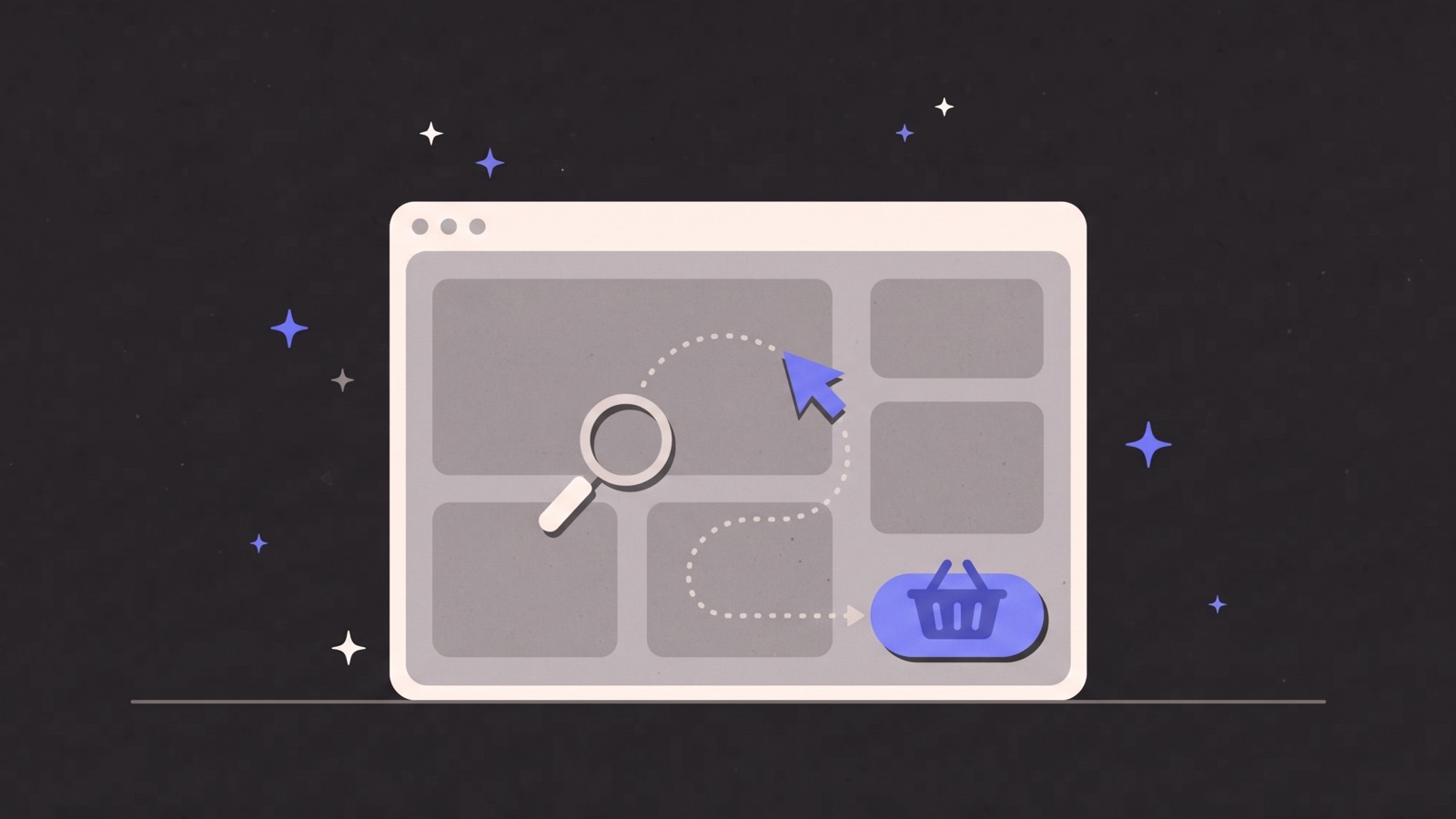
The more useful feature for most businesses is the simulation assessment. Rather than waiting for agent traffic to arrive and fail, you can test how well an agent completes an important task on your site. The results show whether the task was completed, how long it took, how many interactions it needed, and where the experience could be improved. Microsoft is starting with commerce and travel scenarios and plans to add other journeys over time.
Microsoft's examples of what goes wrong are familiar to anyone who has watched a usability test: an agent finds the right product but misses a promotion, or reaches checkout and gets stuck. The causes are usually the same ones that trip up people using assistive technology. Buttons without labels, custom drop-downs that are not real form controls, required fields that are only marked by colour, pop-ups that cover the page and need a precise click to dismiss, and prices that only appear after a hover.
| Journey step | Common agent failure | What to check |
|---|---|---|
| Product or service discovery | The agent cannot find the option it was asked for. | Clear names, visible prices, filters built from real form controls. |
| Promotions | A discount exists but the agent never applies it. | Whether offers are stated in text on the page, not only in images or banners. |
| Forms and booking | Required fields or date pickers block submission. | Labels on every field, standard inputs, error messages in text. |
| Checkout | A modal, interstitial or login wall halts the flow. | Guest checkout, dismissible overlays, no surprise steps. |
Most of that list is also good accessibility practice, which is the cheapest way to think about agent readiness. A site that works with a keyboard and a screen reader is usually a site an agent can operate.
What it cannot tell you yet
Treat the first numbers carefully. Agent detection is limited to the supported operators, so agents from other providers may still appear as ordinary or bot traffic. Session-level analysis also has a known limit: Clarity's own October study of agent sessions says it cannot currently separate the agent and human portions of a session, so actions recorded during a session involving an agent are not necessarily actions the agent completed on its own. Read every count as activity in sessions an agent took part in, not a tally of what agents achieved.
That means the dashboard is a good early warning and a weak scoreboard. Use it to spot journeys agents attempt and abandon, then confirm with simulations and your own testing before rebuilding anything. Check your own rules too. If a firewall or bot-management setting blocks or challenges these agents, they never reach the journey you are trying to measure, and the dashboard shows quiet where there is really a locked door. Decide deliberately which agents you want to let in.
The rest of the release
Two other features arrived alongside it. Brand Agents, Clarity's on-site shopping assistant, can now help eligible Shopify and WooCommerce merchants' products appear across Microsoft Copilot, Bing and MSN, and has been extended to local businesses through booking tools such as Square, Calendly, HubSpot and Salesforce. Ask Clarity, which answers questions about site behaviour with links to session recordings as evidence, is in closed beta for retailers. Eligible WordPress businesses can start with Brand Agents today.
We wrote in September about AI agents that browse websites on a user's behalf. Two months later there is a free tool that shows them arriving. The sites that do well in that traffic will not be the ones with special agent features; they will be the ones whose ordinary pages are clear, labelled and finishable.
Sources
- https://clarity.microsoft.com/blog/clarity-connects-agents-llms-people/
- https://ppc.land/microsoft-clarity-puts-shopify-and-woocommerce-products-in-copilot-and-bing/
- https://ppc.land/checkout-appears-in-25-of-ai-agent-sessions-vs-15-for-humans-clarity-finds/